
Setting It Up & Spoofing
Step-by-step execution of the woofer spoofer tool to modify hardware identifiers.
Running the Spoofer
5 Clear Steps • Click checkmark as you complete
0/5 Done
Step 1
Start the loader: double-click loader.py in your loader folder (see Download & Install the Loader). If Windows asks for administrator access, click Yes.
Step 2
Paste your product key when prompted or log in with your Discord account.
Step 3
Select your target motherboard brand (ASUS, GIGABYTE, MSI, ASRock, or Generic).
Step 4
The loader will flash clean SMBIOS UUIDs, baseboard serial numbers, MAC addresses, and disk identifiers.
Step 5
Restart your computer when prompted to finalize changes in NVRAM.
Loader Authentication
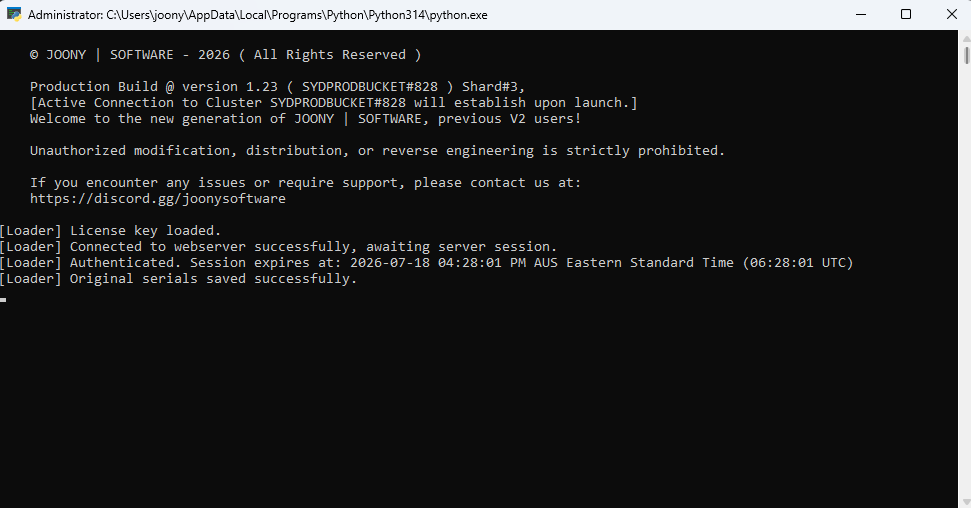
Loader Authentication
Spoof Verification Report
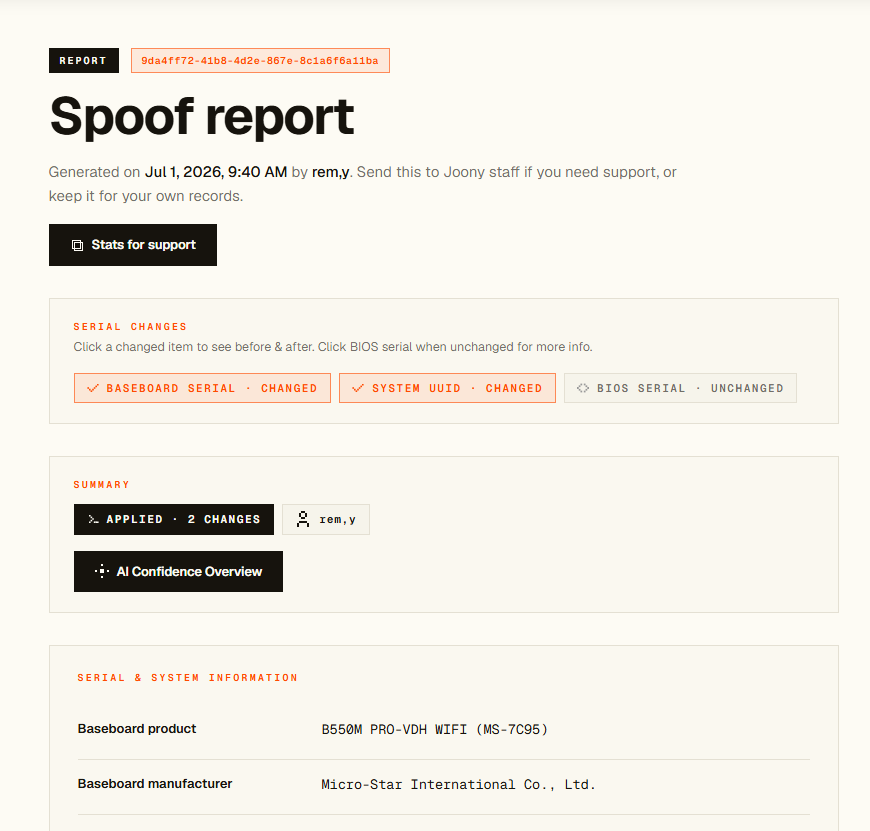
Spoof Verification Report