Flashing BIOS
Flash your motherboard BIOS to a different version to reset hardware identifiers and clear NVRAM tables.
Why Flash the BIOS?#
Flashing the BIOS clears out persistent NVRAM variables, updates firmware microcode, and allows fresh serial generation without motherboard residual flags.
BIOS Flashing Procedure
6 Clear Steps • Click checkmark as you complete
Identify your motherboard model using msinfo32 or physically looking at the board.
Visit your motherboard manufacturer official support website.
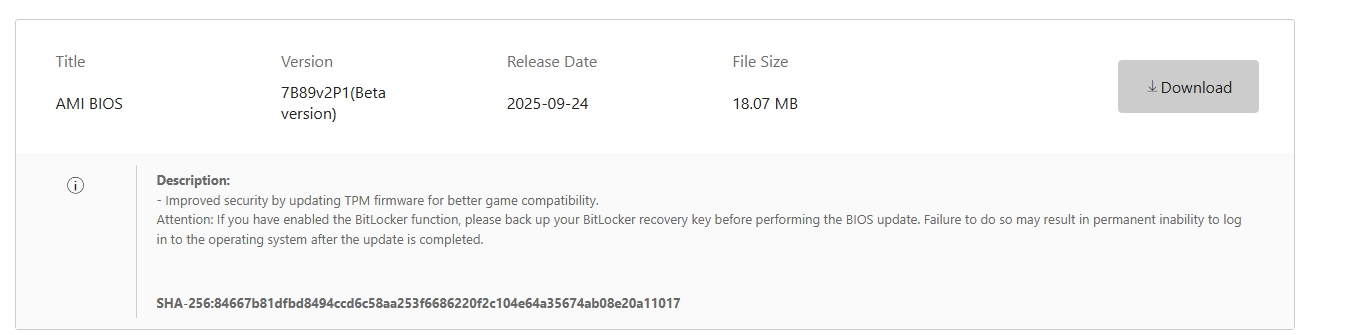
Download a BIOS version that is different from your current version (either newer or older).
Format a USB drive as FAT32 and copy the extracted BIOS file into the USB root directory.
Reboot into BIOS -> open EZ Flash (ASUS), M-Flash (MSI), Q-Flash (GIGABYTE), or Instant Flash (ASRock).
Select the BIOS file and confirm the flash. Do NOT turn off power during flashing.